October 9, 2026
More Google Reviews for Your Barbershop — Automatically
Add your Google Maps link in TreatsMe: clients see a Google button on your page, and after every visit they're invited to review you on Google too.
More Google Reviews for Your Barbershop — Automatically
There's a new link in your store settings — your Google page. Fill it in, and we'll ask your visitors to leave you a review on Google after every visit. More reviews put you higher on Google Maps — and that means more new clients.
When people look for a barber nearby, they open Google Maps and pick the shop with more good reviews. Your happy clients are the best way to climb that list — most of them just forget to leave a review. Now TreatsMe reminds them for you.
Step 1 — Add your Google link
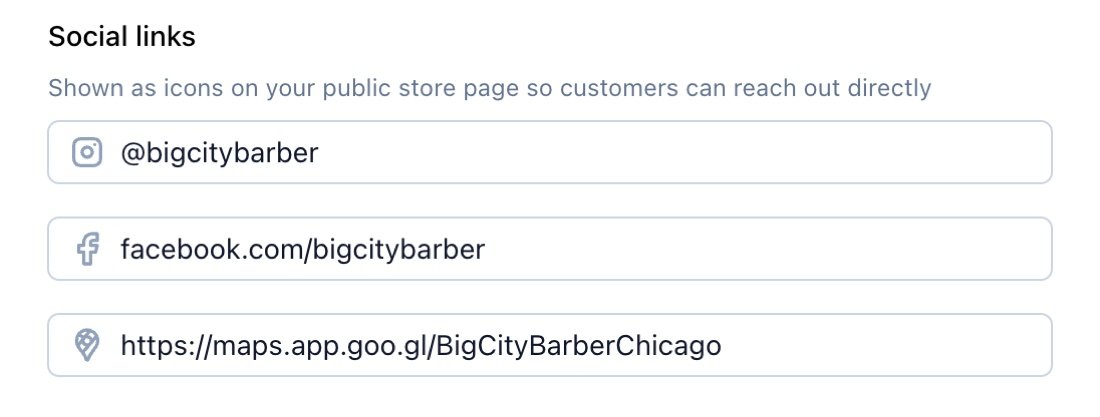
Open Settings → Store and paste your Google Maps link into Social links, next to Instagram and Facebook. To get it, open your business in Google Maps, tap Share and copy the link.
Tip: in your Google Business Profile, Ask for reviews gives you a link that opens the review form right away — paste that one and clients are one tap from leaving a review.
Step 2 — A Google button on your page
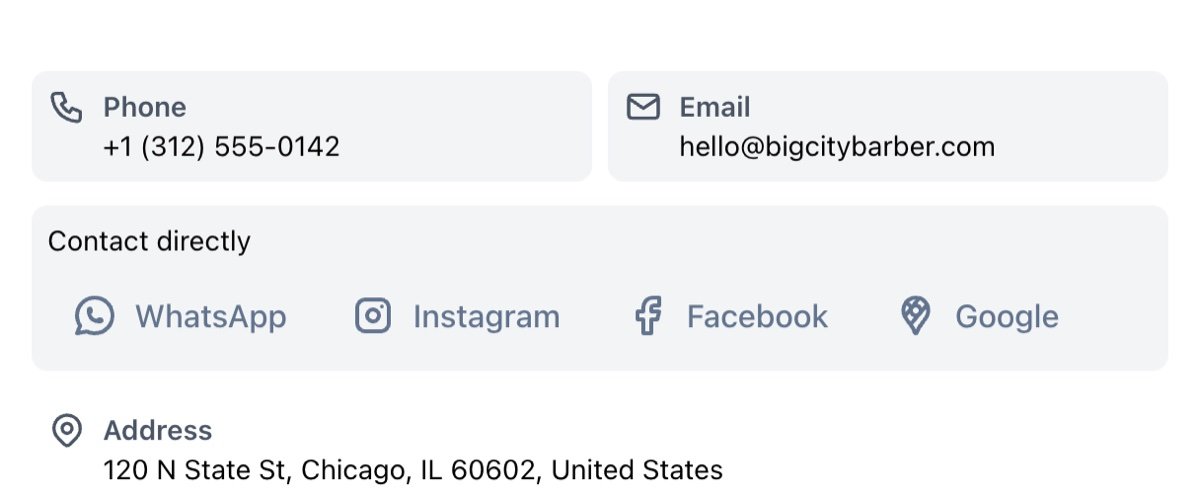
Your shop page now shows a Google button in Contact directly, together with WhatsApp, Instagram and Facebook. Clients can check your rating, get directions or leave a review in one tap.
Step 3 — Every visit ends with a Google review request
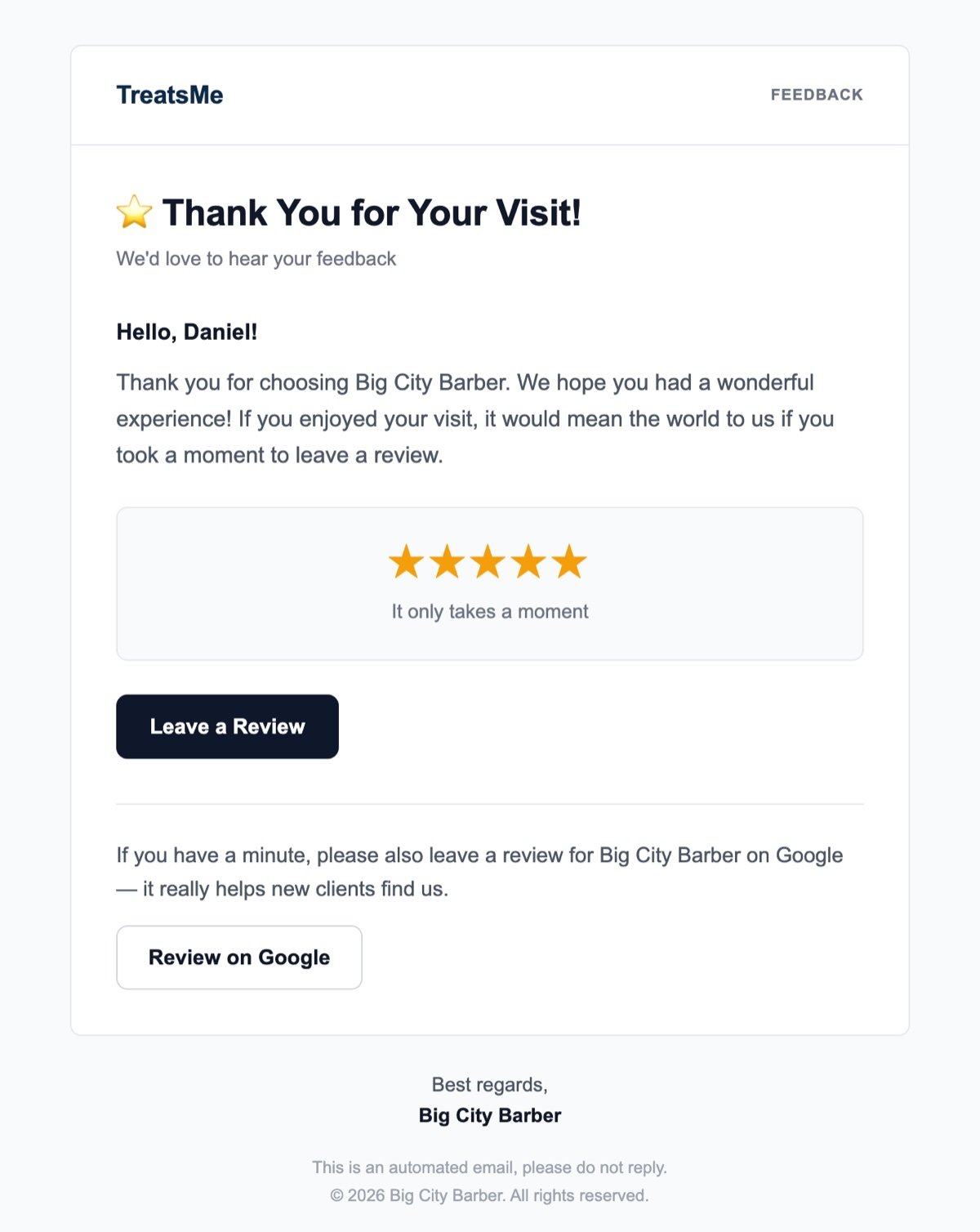
About an hour after each visit, TreatsMe already emails the client asking for a review. Now that email also invites them to review your shop on Google, with a button that takes them straight there. It goes to every client — exactly as Google's rules require, no cherry-picking.
It's free and works for every TreatsMe shop. Sign in to your dashboard and add your Google link today.